
How do you save time on order fulfillment and shipping?
You save time on fulfillment by removing per-order decisions and one-by-one steps: rules choose the carrier service and paperwork, labels print in batches, addresses are checked automatically, and buyers get tracking updates without anyone sending them. ExperShip puts all four in one workflow, so packing the box becomes the main job left.
- R1WHEN Ship-to country is different from ship-fromTHEN Add customs docs, compare international services
- R2WHEN Parcel is light and going to a U.S. home addressTHEN Use FedEx Home Delivery
- R3WHEN Order is tagged "express"THEN Pick the fastest service
- R4WHEN Everything elseTHEN Cheapest service that arrives on time
how it works
Where the time goes, and how it comes back.
- 01Choosing a service per order
Automation rules make the choice once, for every order.
- 02Buying labels one by one
Batch labels: select the day's orders and print them together.
- 03Fixing returned parcels
Address validation catches the problem before the label.
- 04Answering tracking emails
Automatic notifications tell buyers where their parcel is.
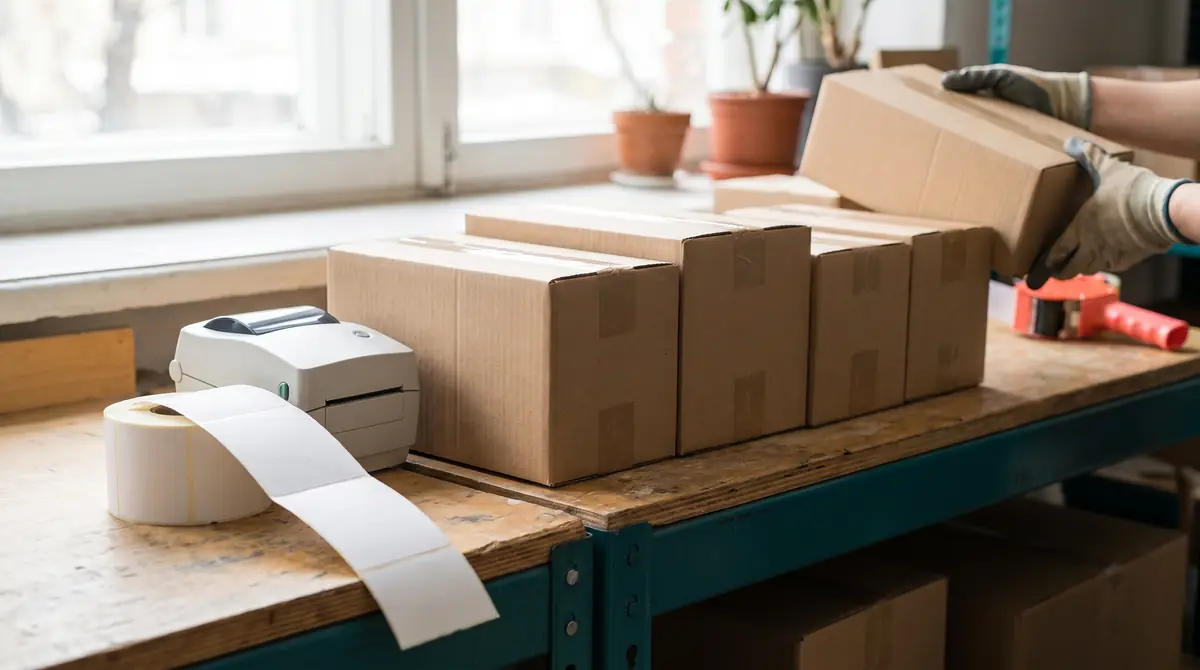
save-fulfillment-time · benefits
Time savers built into ExperShip.
Batch labels
Select the day's orders, then buy and print every label in one go.
Automation rules
Set the logic once. Rules pick the service and add the paperwork.
Address validation
Bad addresses are caught before the label, so fewer parcels come back.
Automatic notifications
Tracking flows back to the order and buyers get updates.
fit
You will feel the difference if:
- Shipping takes a big part of every morning
- The same carrier choice is made by hand many times a day
- Support spends time answering "where is my order?"
- Only one person on the team really knows how shipping works
faq
Save fulfillment time questions.
Guides to go deeper:
What is the biggest time saver in shipping?
Batch label printing combined with rules that pre-select the service, so a whole day of orders becomes one review and one print.
Can ExperShip print all of my labels at once?
Yes. Select several orders and buy and print their labels together.
Do I have to set up rules before I can ship?
No. You can choose services by hand from day one and add rules as you notice repeat decisions.
Does ExperShip send tracking emails to buyers?
Yes. Buyers get shipping notifications automatically as tracking updates come in.
get started