
How do you print shipping labels and customs forms for many orders?
You print shipping labels for many orders by selecting them together and buying every label in one batch, and with ExperShip international parcels get their customs documents in that same step. Each tracking number is written back to its order, so the label, the paperwork and the order never get separated, whether you print one label or the whole morning's orders.
| Order | Ship to | Service | Docs |
|---|---|---|---|
| Shopify #7323 | Philadelphia, PA | FedEx Home Delivery | label |
| Shopify #7326 | Austin, TX | USPS Ground Advantage | label |
| Amazon 112-4875881 | Atlanta, GA | UPS Worldwide Expedited | label + customs |
| API ord_u4ne | Phoenix, AZ | UPS Ground | label |
CUSTOMS FORM · Amazon 112-4875881
- Contents
- Ceramic mugs (2)
- Declared value
- USD 48.00
- Country of origin
- Spain
- Reason
- Merchandise
how it works
From order to printed label.
- 01Select the orders
One order as it comes in, or a whole pick list at once.
- 02Confirm services
Each order already has a service, from you or from a rate shopping rule.
- 03Customs docs are created
For cross-border parcels: contents, declared value and country of origin travel with the label.
- 04Print the batch
Labels print together, and the tracking numbers are saved on each order.
shipping-labels · benefits
What you get with ExperShip labels.
Single or batch
Print one label or a full day of orders, from the same screen.
Customs paperwork included
International labels come with their customs documents, no separate tool.
Every carrier, one flow
UPS, FedEx, USPS and DHL labels bought and printed the same way.
Written back to the order
Tracking numbers land on the order so buyers can be notified.
who it is for
Who prints labels with ExperShip.
- Stores that print a batch of labels every morning
- Sellers shipping internationally who need customs forms with every label
- 3PLs and consolidators printing labels for many sellers
- Developers creating labels from their own system through the API
key terms
Shipping terms on this page.
- Shipping label
- Batch label printing
- Thermal printer
- Commercial invoice
- Customs declaration (CN22 / CN23)
- Void label
faq
Labels & customs docs questions.
Guides to go deeper:
Can I print shipping labels in bulk?
Yes. Select several orders and buy and print their labels together as one batch.
Does ExperShip create customs forms?
Yes. International labels come with their customs documents, built from the contents, declared value and country of origin you provide.
What printer do I need for shipping labels?
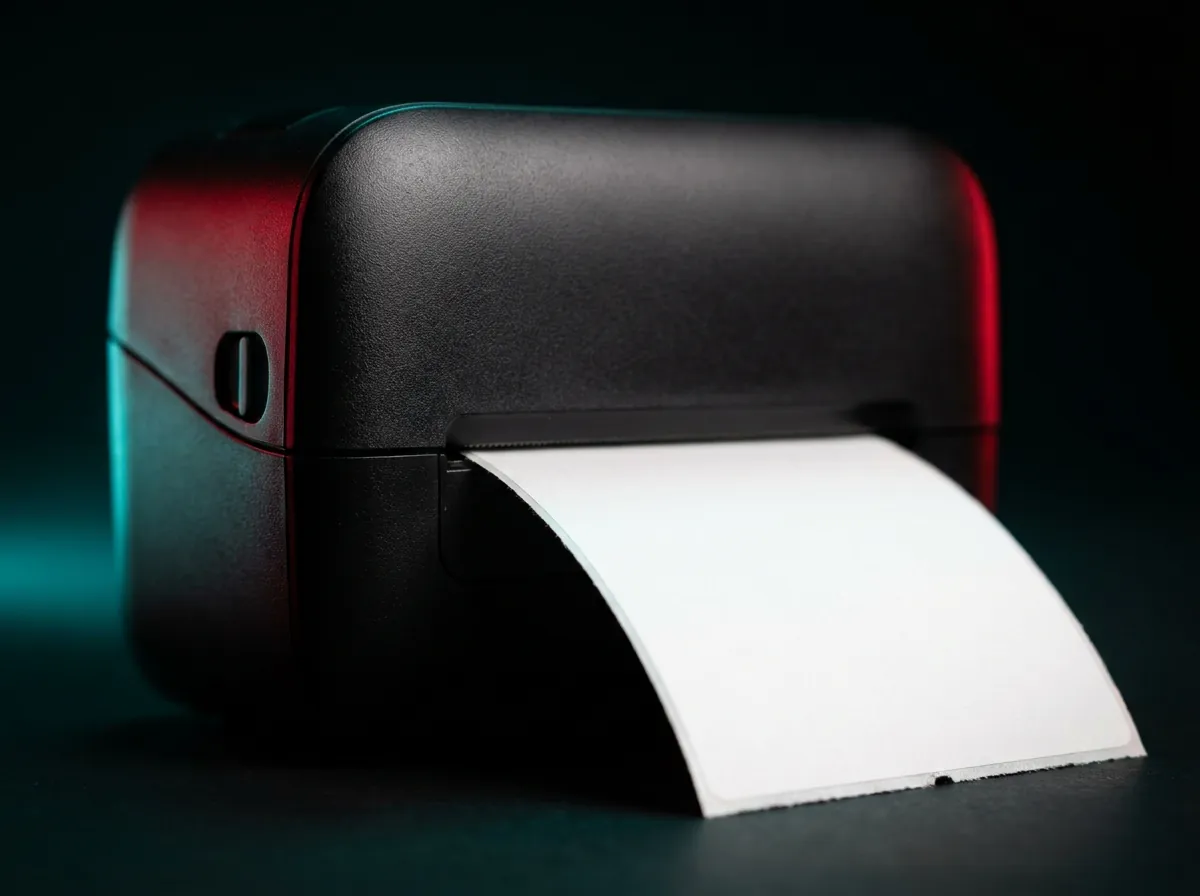
Most sellers use a 4 x 6 inch thermal label printer, which needs no ink. A regular desktop printer also works for occasional labels.
What happens to the tracking number after I print?
It is saved on the order, so the order status and buyer notifications can follow the shipment.
Can I create labels through an API?
Yes. The ExperShip API creates labels and customs documents for the same carriers as the web app.
get started